
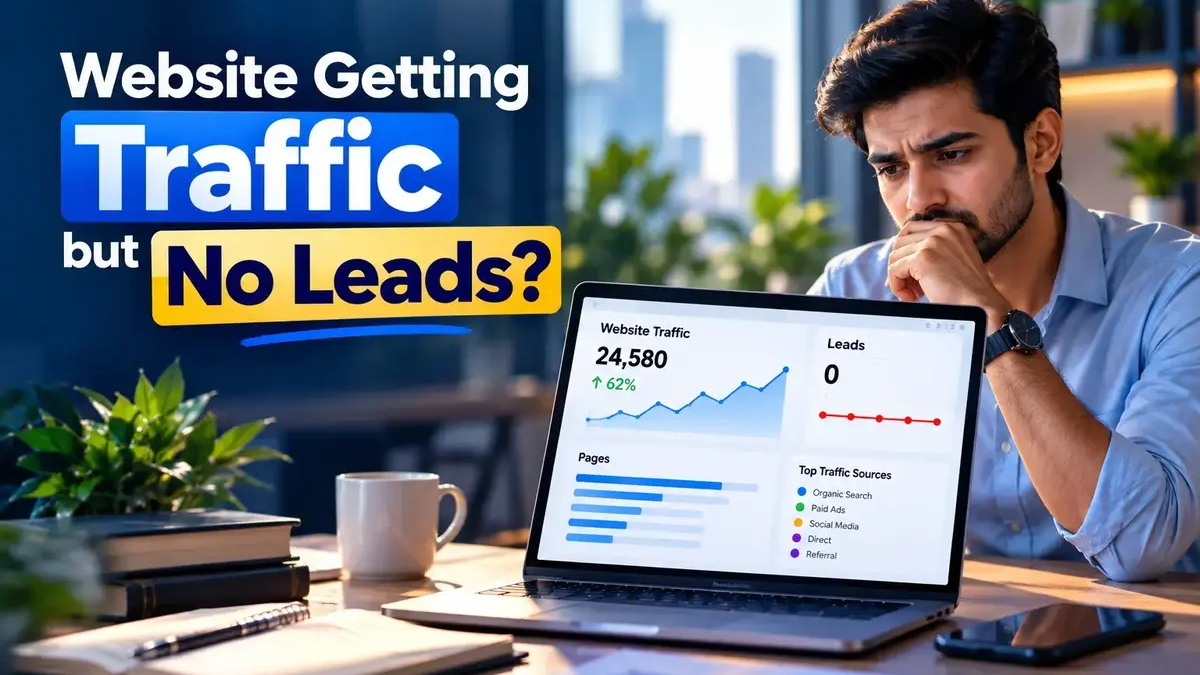
Your website is getting visitors.
Your analytics shows traffic.
Your SEO is bringing clicks.
But your phone is not ringing.
Your contact form is quiet.
And you are asking:
“Why is my website getting traffic but no leads?”
This is one of the most frustrating problems for a business.
But more traffic is not always the answer.
A website can have visitors and still fail to turn those visitors into enquiries because of problems with traffic quality, messaging, trust, calls to action, forms, landing pages or measurement. Recent 2026 guides on this problem point to the same basic issue: traffic and conversion are different parts of the customer journey.
Let’s break it down.
Traffic and Leads Are Different
A visitor is not automatically a potential customer.
Someone may visit your website because they:
- Want information
- Are comparing options
- Are researching a problem
- Found the page accidentally
- Want a free solution
- Are not ready to buy
So:
1000 visitors ≠ 1000 potential customers
The quality and intent of the traffic matter.
1. You Are Getting the Wrong Traffic
This is one of the first things to check.
Imagine you offer premium website development.
You receive traffic from:
“free website templates”
That traffic may increase your visitor count.
But it may not increase enquiries.
Now compare it with:
“website development agency for business”
The second search is much closer to a service need.
This is why SEO and paid advertising should focus on relevant search intent, not only traffic volume.
2. Your Homepage Is Not Clear
When someone lands on your website, they should quickly understand:
What do you do?
Who is it for?
Why does it matter?
What should I do next?
If your headline is creative but unclear, the visitor may leave.
For example:
“We transform possibilities into digital futures.”
Sounds professional.
But what does the company actually do?
A clearer message could be:
“Digital Marketing That Turns Attention Into Business Growth.”
The visitor should not have to solve a puzzle.
3. Your Website Does Not Build Enough Trust
People don’t usually contact a business simply because a website exists.
They want reasons to believe the business can help them.
Trust can come from:
- Testimonials
- Case studies
- Client experience
- Clear service information
- Business details
- Professional presentation
- Helpful content
- Transparent process
The exact trust signals depend on your industry.
The important point is simple:
Before people enquire, they need enough confidence to take the next step.
4. Your Call to Action Is Weak
Your visitor understands your service.
They may even like it.
But what should they do now?
A website should provide a clear next action.
For example:
Book a Consultation
Request a Proposal
Talk to an Expert
Get a Marketing Audit
A CTA does not have to be aggressive.
It simply needs to make the next step obvious.
5. Your Contact Form Creates Friction
A long and complicated form can discourage enquiries.
Imagine clicking:
“Get Started”
and seeing twenty fields.
Most visitors will not complete it.
For the first contact, only ask for information you really need.
For example:
Name
Phone
Company
Service
Requirement
Make the process easy.
6. Your Landing Page Does Not Match the Traffic
Suppose someone clicks an ad for:
Google Ads Management
and lands on your generic homepage.
Now they have to search through the entire website to find the service they were interested in.
That creates friction.
A better journey could be:
Google Search
↓
Google Ads Service Page
↓
Relevant information
↓
Proof
↓
CTA
↓
Enquiry
The landing page should continue the conversation started by the search or advertisement.
7. Your Website Is Difficult on Mobile
A website can look great on desktop and still perform poorly on mobile.
Check:
- Font size
- Button size
- Menu usability
- Form usability
- Page spacing
- Image loading
- Horizontal scrolling
- CTA visibility
Google’s developer guidance recommends websites that are secure, fast, accessible and work across devices.
A visitor should be able to understand your offer and contact you without fighting the interface.
8. Your Website May Have a Technical Conversion Problem
Before changing your strategy, test the basics.
Try your own:
Contact form
Phone number
WhatsApp button
Email link
Booking form
Thank-you page
Mobile menu
A broken form can look exactly like a lack of demand.
Recent 2026 conversion guides specifically recommend testing the enquiry path first because a form or contact failure can hide real demand.
9. You Are Not Tracking Leads Properly
What counts as a lead for your business?
It could be:
- Form submission
- Phone call
- WhatsApp conversation
- Consultation booking
- Quote request
- Demo request
You need to track these actions.
Otherwise, you may think:
“My website doesn’t generate leads.”
when the real problem is:
“We are not measuring some of the leads correctly.”
10. You Are Trying to Solve a Conversion Problem With More Traffic
This is the biggest mistake.
Suppose your website gets:
5,000 visitors
but almost nobody contacts you.
You decide:
“Let’s get 20,000 visitors.”
Now you have more people visiting the same page and not enquiring.
More traffic only helps when the traffic is relevant and the website can convert it.
Recent 2026 discussions on traffic-without-leads repeatedly make this distinction between the amount of traffic and the website’s ability to convert visitors into meaningful actions.
How to Find the Real Problem
Think about your website as a journey:
Traffic
↓
Search Intent
↓
Landing Page
↓
Message
↓
Trust
↓
CTA
↓
Form / Call / WhatsApp
↓
Lead
If there is a problem anywhere in this journey, your final lead number can suffer.
What Should You Check First?
Start with the simplest checks.
Check 1: Is the traffic relevant?
Look at where visitors come from and what they searched.
Check 2: Are they reaching the right page?
A user searching for SEO should not have to hunt through your entire website.
Check 3: Is your message clear?
Can someone understand your value in a few seconds?
Check 4: Is there proof?
Do visitors have a reason to trust you?
Check 5: Can they contact you easily?
Test every contact method yourself.
Check 6: Are leads being tracked?
Make sure forms, calls and other important actions are measured.
What About Google Ads?
If you are running Google Ads and getting clicks without leads, don’t automatically assume the solution is a bigger budget.
Check:
Keyword relevance
Ad message
Landing-page relevance
Offer
CTA
Form
Tracking
Google Search Ads can help businesses reach people searching for related products and services, but paid traffic still has to move through the website and conversion journey.
What About SEO Traffic?
The same idea applies to organic traffic.
SEO can bring visibility.
But a ranking itself is not a business result.
A useful SEO page should:
Answer the user’s question
Match the search intent
Build trust
Explain the next step
A people-first approach is also consistent with Google’s guidance for creating helpful content.
When Should You Redesign Your Website?
Not every traffic problem requires a new website.
Sometimes the issue can be fixed by:
- Rewriting the hero section
- Improving a service page
- Adding stronger CTAs
- Simplifying the form
- Improving mobile layout
- Adding trust signals
- Fixing tracking
- Improving the landing page
A full redesign should come after diagnosis, not before it.
The Goal Is Not More Traffic
This is the most important idea in this article.
The goal is not:
More visitors
The goal is:
More relevant visitors
↓
More meaningful actions
↓
More qualified leads
↓
More customers
Traffic is only the beginning of the journey.
Final Thoughts
When your website gets traffic but no leads, don’t immediately blame SEO, Google Ads or the website design.
First find out where the journey is breaking.
It could be:
Wrong traffic
Weak messaging
Poor landing-page relevance
Low trust
Weak CTA
Difficult forms
Mobile friction
Technical problems
Missing conversion tracking
Poor follow-up
Find the real problem first.
Then fix that problem.
Because bringing more people to a website that does not convert is not necessarily growth.
The goal is not just to get attention.
The goal is to turn the right attention into action.
Frequently Asked Questions
Why is my website getting traffic but no leads?
Common reasons include irrelevant traffic, unclear messaging, weak calls to action, poor landing pages, missing trust signals, difficult forms and tracking problems.
Should I increase my ad budget if I’m not getting leads?
Not automatically. First check traffic quality, landing-page relevance, the offer, CTA and conversion tracking.
How can I get more leads from my website?
Improve the customer journey: relevant traffic, clear messaging, trust, simple contact options and proper conversion tracking.
Can SEO generate leads?
Yes, when SEO targets relevant searches and the destination pages satisfy the user’s intent and make the next step clear.
Does a better-looking website always generate more leads?
No. Visual quality matters, but clarity, relevance, trust and an easy conversion path are also important.
How do I know where my website is losing leads?
Track the journey from traffic to landing-page engagement, CTA clicks, form starts, form submissions, calls or bookings. This helps identify the stage where visitors are dropping out.