
Website traffic increasing but generating no leads

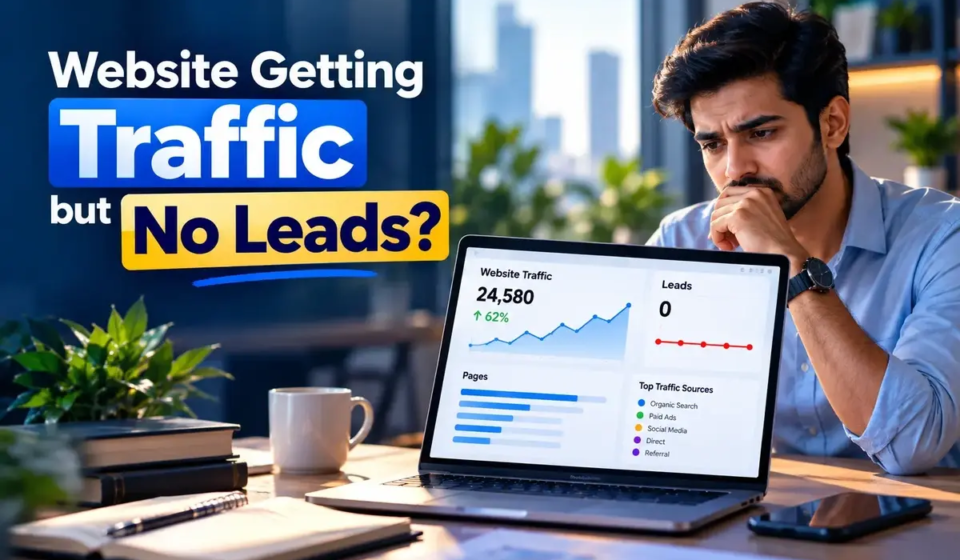
Why Is My Website Getting Traffic but No Leads?

Your website is getting visitors.

Your analytics shows traffic.

Your SEO is bringing clicks.

But your phone is not ringing.

Your contact form is quiet.

And you are asking:

“Why is my website getting traffic but no leads?”

This is one of the most frustrating problems for a business.

But more traffic is not always the answer.

A website can have visitors and still fail to turn those visitors into enquiries because of problems with traffic quality, messaging, trust, calls to action, forms, landing pages or measurement. Recent 2026 guides on this problem point to the same basic issue: traffic and conversion are different parts of the customer journey.

Let’s break it down.

Traffic and Leads Are Different

A visitor is not automatically a potential customer.

Someone may visit your website because they:

  • Want information
  • Are comparing options
  • Are researching a problem
  • Found the page accidentally
  • Want a free solution
  • Are not ready to buy

So:

1000 visitors ≠ 1000 potential customers

The quality and intent of the traffic matter.

1. You Are Getting the Wrong Traffic

This is one of the first things to check.

Imagine you offer premium website development.

You receive traffic from:

“free website templates”

That traffic may increase your visitor count.

But it may not increase enquiries.

Now compare it with:

“website development agency for business”

The second search is much closer to a service need.

This is why SEO and paid advertising should focus on relevant search intent, not only traffic volume.

2. Your Homepage Is Not Clear

When someone lands on your website, they should quickly understand:

What do you do?

Who is it for?

Why does it matter?

What should I do next?

If your headline is creative but unclear, the visitor may leave.

For example:

“We transform possibilities into digital futures.”

Sounds professional.

But what does the company actually do?

A clearer message could be:

“Digital Marketing That Turns Attention Into Business Growth.”

The visitor should not have to solve a puzzle.

3. Your Website Does Not Build Enough Trust

People don’t usually contact a business simply because a website exists.

They want reasons to believe the business can help them.

Trust can come from:

  • Testimonials
  • Case studies
  • Client experience
  • Clear service information
  • Business details
  • Professional presentation
  • Helpful content
  • Transparent process

The exact trust signals depend on your industry.

The important point is simple:

Before people enquire, they need enough confidence to take the next step.

4. Your Call to Action Is Weak

Your visitor understands your service.

They may even like it.

But what should they do now?

A website should provide a clear next action.

For example:

Book a Consultation

Request a Proposal

Talk to an Expert

Get a Marketing Audit

A CTA does not have to be aggressive.

It simply needs to make the next step obvious.

5. Your Contact Form Creates Friction

A long and complicated form can discourage enquiries.

Imagine clicking:

“Get Started”

and seeing twenty fields.

Most visitors will not complete it.

For the first contact, only ask for information you really need.

For example:

Name

Email

Phone

Company

Service

Requirement

Make the process easy.

6. Your Landing Page Does Not Match the Traffic

Suppose someone clicks an ad for:

Google Ads Management

and lands on your generic homepage.

Now they have to search through the entire website to find the service they were interested in.

That creates friction.

A better journey could be:

Google Search

↓

Google Ads Service Page

↓

Relevant information

↓

Proof

↓

CTA

↓

Enquiry

The landing page should continue the conversation started by the search or advertisement.

7. Your Website Is Difficult on Mobile

A website can look great on desktop and still perform poorly on mobile.

Check:

  • Font size
  • Button size
  • Menu usability
  • Form usability
  • Page spacing
  • Image loading
  • Horizontal scrolling
  • CTA visibility

Google’s developer guidance recommends websites that are secure, fast, accessible and work across devices.

A visitor should be able to understand your offer and contact you without fighting the interface.

8. Your Website May Have a Technical Conversion Problem

Before changing your strategy, test the basics.

Try your own:

Contact form

Phone number

WhatsApp button

Email link

Booking form

Thank-you page

Mobile menu

A broken form can look exactly like a lack of demand.

Recent 2026 conversion guides specifically recommend testing the enquiry path first because a form or contact failure can hide real demand.

9. You Are Not Tracking Leads Properly

What counts as a lead for your business?

It could be:

  • Form submission
  • Phone call
  • WhatsApp conversation
  • Consultation booking
  • Quote request
  • Demo request

You need to track these actions.

Otherwise, you may think:

“My website doesn’t generate leads.”

when the real problem is:

“We are not measuring some of the leads correctly.”

10. You Are Trying to Solve a Conversion Problem With More Traffic

This is the biggest mistake.

Suppose your website gets:

5,000 visitors

but almost nobody contacts you.

You decide:

“Let’s get 20,000 visitors.”

Now you have more people visiting the same page and not enquiring.

More traffic only helps when the traffic is relevant and the website can convert it.

Recent 2026 discussions on traffic-without-leads repeatedly make this distinction between the amount of traffic and the website’s ability to convert visitors into meaningful actions.

How to Find the Real Problem

Think about your website as a journey:

Traffic

↓

Search Intent

↓

Landing Page

↓

Message

↓

Trust

↓

CTA

↓

Form / Call / WhatsApp

↓

Lead

If there is a problem anywhere in this journey, your final lead number can suffer.

What Should You Check First?

Start with the simplest checks.

Check 1: Is the traffic relevant?

Look at where visitors come from and what they searched.

Check 2: Are they reaching the right page?

A user searching for SEO should not have to hunt through your entire website.

Check 3: Is your message clear?

Can someone understand your value in a few seconds?

Check 4: Is there proof?

Do visitors have a reason to trust you?

Check 5: Can they contact you easily?

Test every contact method yourself.

Check 6: Are leads being tracked?

Make sure forms, calls and other important actions are measured.

What About Google Ads?

If you are running Google Ads and getting clicks without leads, don’t automatically assume the solution is a bigger budget.

Check:

Keyword relevance

Ad message

Landing-page relevance

Offer

CTA

Form

Tracking

Google Search Ads can help businesses reach people searching for related products and services, but paid traffic still has to move through the website and conversion journey.

What About SEO Traffic?

The same idea applies to organic traffic.

SEO can bring visibility.

But a ranking itself is not a business result.

A useful SEO page should:

Answer the user’s question

Match the search intent

Build trust

Explain the next step

A people-first approach is also consistent with Google’s guidance for creating helpful content.

When Should You Redesign Your Website?

Not every traffic problem requires a new website.

Sometimes the issue can be fixed by:

  • Rewriting the hero section
  • Improving a service page
  • Adding stronger CTAs
  • Simplifying the form
  • Improving mobile layout
  • Adding trust signals
  • Fixing tracking
  • Improving the landing page

A full redesign should come after diagnosis, not before it.

The Goal Is Not More Traffic

This is the most important idea in this article.

The goal is not:

More visitors

The goal is:

More relevant visitors

↓

More meaningful actions

↓

More qualified leads

↓

More customers

Traffic is only the beginning of the journey.

Final Thoughts

When your website gets traffic but no leads, don’t immediately blame SEO, Google Ads or the website design.

First find out where the journey is breaking.

It could be:

Wrong traffic

Weak messaging

Poor landing-page relevance

Low trust

Weak CTA

Difficult forms

Mobile friction

Technical problems

Missing conversion tracking

Poor follow-up

Find the real problem first.

Then fix that problem.

Because bringing more people to a website that does not convert is not necessarily growth.

The goal is not just to get attention.

The goal is to turn the right attention into action.

Frequently Asked Questions

Why is my website getting traffic but no leads?
Common reasons include irrelevant traffic, unclear messaging, weak calls to action, poor landing pages, missing trust signals, difficult forms and tracking problems.

Should I increase my ad budget if I’m not getting leads?
Not automatically. First check traffic quality, landing-page relevance, the offer, CTA and conversion tracking.

How can I get more leads from my website?
Improve the customer journey: relevant traffic, clear messaging, trust, simple contact options and proper conversion tracking.

Can SEO generate leads?
Yes, when SEO targets relevant searches and the destination pages satisfy the user’s intent and make the next step clear.

Does a better-looking website always generate more leads?
No. Visual quality matters, but clarity, relevance, trust and an easy conversion path are also important.

How do I know where my website is losing leads?
Track the journey from traffic to landing-page engagement, CTA clicks, form starts, form submissions, calls or bookings. This helps identify the stage where visitors are dropping out.
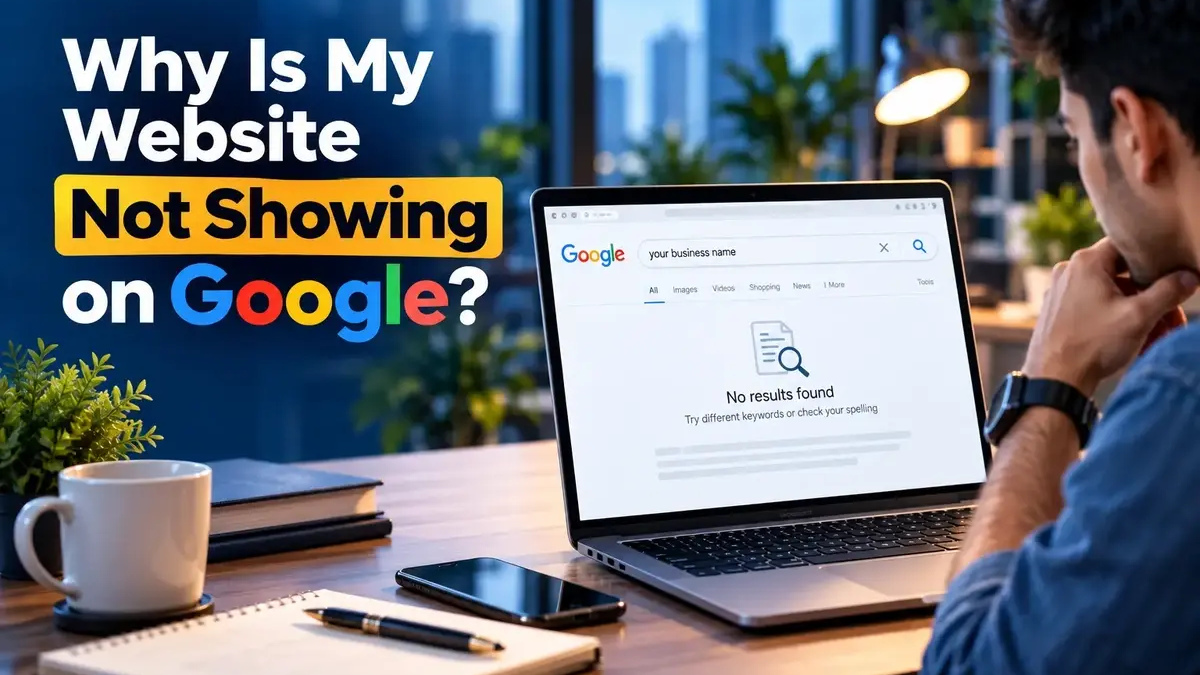
Why a website is not showing on Google search results

Why Is My Website Not Showing on Google? 10 Things to Check

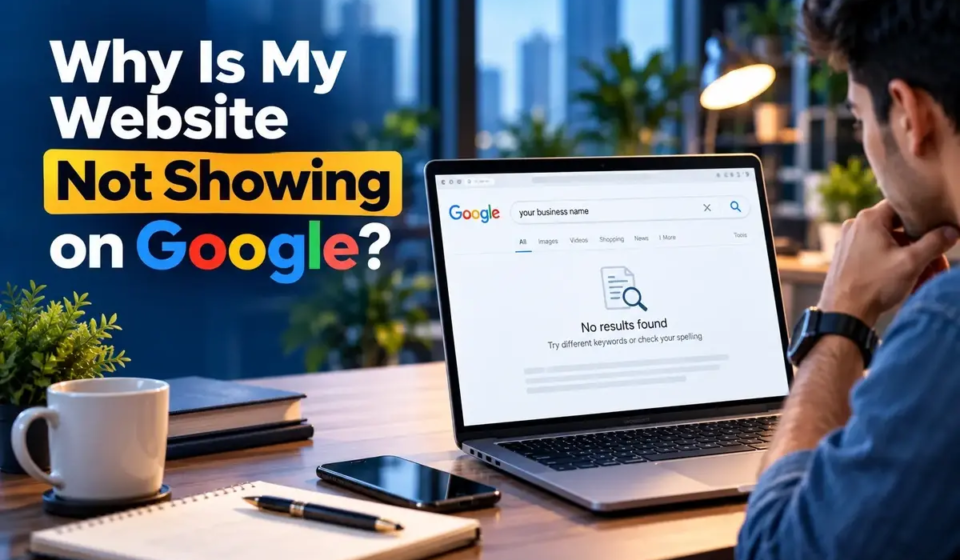
You launched your website.

You searched your business name on Google.

Nothing appeared.

So you ask:

“Why is my website not showing on Google?”

This is a very common question, especially for new businesses and new websites.

But “not showing on Google” can actually mean different things.

Your website may:

  1. Not be indexed yet
  2. Be indexed but rank too low
  3. Have a technical issue blocking search engines
  4. Not rank for the search you are testing

Google recommends checking whether a page is actually indexed before assuming it has a ranking problem.

Let’s understand the difference.

First: Is Your Website Indexed?

The first thing to check is whether Google knows about your website.

Go to Google and search:

site: growfiks.com

Google recommends the site: search as a simple way to check whether pages from your site appear in Google’s index.

If pages appear, Google has indexed at least some of your website.

That means your problem may be ranking, not indexing.

Indexing and Ranking Are Not the Same

This is where many website owners get confused.

Imagine you have a page about:

“Digital Marketing Services in Noida”

Google may have indexed it.

But when you search:

“digital marketing agency Noida”

your page may appear on page 5 or page 10.

So you might think:

“My website isn’t on Google.”

Actually, it is on Google.

It simply isn’t ranking where you expected it to.

Google’s own troubleshooting documentation makes this distinction clearly.

Why Is My Website Not Showing on Google?

Here are some common reasons.

1. Your Website Is Very New

A new website may simply need time to be discovered and processed.

Google says crawling and indexing can take from a day or two to a few weeks depending on the situation.

So a website launched yesterday may not appear immediately.

That does not automatically mean something is broken.

2. Your Page Has a Noindex Directive

A noindex instruction tells search engines not to include a page in search results.

This can happen accidentally.

For example, a website may have been developed on a staging environment where search visibility was intentionally disabled, and that setting may remain after launch.

Check the page settings and SEO plugin configuration.

3. Your Website Is Blocking Crawlers

Search engines need to be able to crawl your website.

A site’s robots.txt file can affect which URLs crawlers are allowed to request.

Technical configuration problems can therefore affect search visibility.

Google provides technical guidance for helping search engines crawl, index and understand websites.

4. Google Has Not Discovered the Page Yet

Google automatically looks for websites to add to its index, but Google also acknowledges that some pages can be missed.

An XML sitemap can help search engines discover important URLs.

Search Console can also help you inspect individual pages.

5. Your Website Is Indexed, But It Does Not Rank

This is very different from being invisible.

Your page may be indexed but ranking so low that users rarely see it.

For example:

“digital marketing agency in Delhi”

may be a highly competitive query.

A new website may not rank strongly for such a broad search immediately.

This is where SEO work becomes important.

6. Your Page Does Not Match Search Intent

Suppose someone searches:

“How much time does SEO take?”

They want an explanation.

If your page simply says:

“Contact our SEO experts.”

it may not satisfy the question.

Google’s people-first guidance encourages content that genuinely helps users and satisfies the purpose of their search.

Good SEO starts with understanding what the searcher actually wants.

7. Your Website Has Very Little Useful Content

Having a five-page website does not automatically make it a strong search resource.

Your website should clearly explain:

  • Who you are
  • What you offer
  • Who you help
  • What your services do
  • What questions customers have
  • Why your business is relevant

The goal is not to publish hundreds of pages just to create more URLs.

The goal is to create useful pages for real users.

8. Your Website Structure Is Weak

Search engines need to understand the relationship between your pages.

A clear structure can look like:

Home

→ Services

→ SEO

→ Google Ads

→ Social Media Marketing

→ Local SEO

→ Blog

→ SEO Guides

→ Marketing Guides

Internal links help users and search engines discover related content.

Google’s SEO documentation describes SEO partly as helping search engines understand site content and helping users discover the site through search.

9. Your Website Has Technical Problems

Technical SEO problems may include:

  • Broken pages
  • Poor mobile experience
  • Slow-loading pages
  • Duplicate URLs
  • Canonical problems
  • Incorrect redirects
  • Missing metadata
  • Indexing issues

Not every website has every issue.

The important thing is to diagnose the actual problem rather than randomly changing things.

10. You Are Searching for the Wrong Thing

Sometimes your website is working perfectly.

The problem is simply the search.

For example, your site may rank for:

“performance marketing agency in Gurgaon”

but you are checking:

“best marketing company”

and not seeing it.

Those are different searches.

SEO should be measured using the searches that matter to your business.

How to Check Your Website Properly

Use this simple process.

Step 1: Search Your Domain

Try:

site: www.growfiks.com

Step 2: Open Google Search Console

Check whether the page is indexed.

Step 3: Use URL Inspection

Google’s Search Console tools can help you understand how Google sees a specific URL.

Step 4: Check Search Queries

Look at the searches bringing impressions and clicks.

Step 5: Check Your Important Pages

Make sure your main service pages are crawlable, indexable and useful.

My Website Is Indexed. Why Am I Still Not Ranking?

This is where SEO strategy matters.

You may need to improve:

Search intent

Content quality

On-page SEO

Internal linking

Technical SEO

Local SEO

Relevant authority

User experience

There is no single switch that makes a page rank.

Google’s own SEO Starter Guide says there are no secrets that automatically rank a site first.

What About Local Businesses?

If you run a local business in Delhi, Gurgaon, Noida or another city, organic website results are only part of your search presence.

Your Google Business Profile and local search visibility also matter.

So your strategy may need:

Website SEO + Local SEO + Google Business Profile optimisation

rather than website SEO alone.

Don’t Panic If Your Website Is Not Showing Immediately

A new website not appearing immediately does not automatically mean that SEO has failed.

First find out:

Is it indexed?

Then:

Is it ranking?

Then:

Is it ranking for the right searches?

Only after answering these questions can you decide what needs fixing.

Final Thoughts

When your website is not showing on Google, don’t immediately rebuild the website or create hundreds of new pages.

Diagnose the problem first.

Check indexing.

Check technical settings.

Check Search Console.

Check your content.

Check search intent.

Check your actual rankings.

Once you know where the problem is, the solution becomes much clearer.

And remember:

Not indexed and not ranking are two different problems.

Understanding that difference can save a lot of unnecessary SEO work.

Frequently Asked Questions

How do I know if Google has indexed my website?
Search site: growfiks.com in Google. Google recommends this as a basic way to check whether pages from your site appear in its index.

How long does Google take to index a new website?
Google says crawling and indexing can take anywhere from a day or two to a few weeks, depending on various factors.

Why is my website indexed but not ranking?
Indexing only means Google knows about the page. Ranking depends on many other factors, including relevance, competition, content and site quality.

What is a noindex tag?
A noindex directive tells search engines not to include a page in search results.

Does having a website guarantee Google rankings?
No. A website can be live and indexed without ranking prominently for competitive searches. Google also states that there is no automatic method that guarantees a top position.

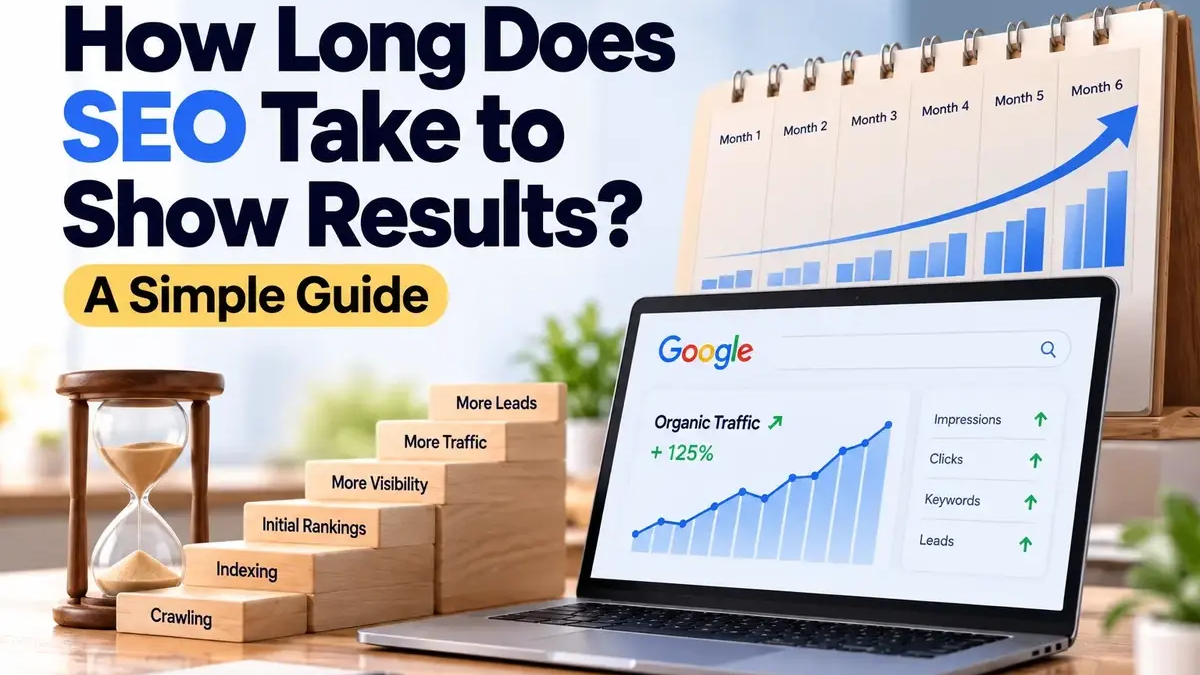
How long SEO takes to show results in Google search

How Long Does SEO Take to Show Results? A Simple Guide

One of the first questions business owners ask after starting SEO is:

“How long does SEO take to work?”

The honest answer is that there is no fixed timeline for every website.

Some websites start showing early changes within weeks. Others take several months before they see strong growth in rankings, organic traffic, or leads.

Google also explains that crawling and indexing can take time, and that there is no secret method that automatically puts a website at the top of Search.

So what should a business actually expect?

Let’s make it simple.

What Does SEO Actually Mean?

SEO stands for Search Engine Optimisation.

It is the process of improving your website so search engines can better understand your pages and users can find your business through relevant searches.

SEO can include:

  • Improving website structure
  • Fixing technical issues
  • Optimising pages
  • Creating useful content
  • Improving internal links
  • Building relevant authority
  • Improving local search visibility

SEO is not just about adding keywords to a page.

Google’s SEO guidance focuses on helping search engines understand your content while making it useful and accessible for people.

So, How Long Does SEO Take?

There is no universal answer.

A commonly cited industry benchmark is around 3–6 months for measurable progress, while competitive websites and markets can take longer. Search Engine Land’s 2026 SEO guide similarly describes three to six months as a typical period for measurable results, with more competitive situations sometimes taking longer.

But the important point is this:

SEO results do not suddenly appear on one particular day.

SEO is usually a gradual process.

You may see:

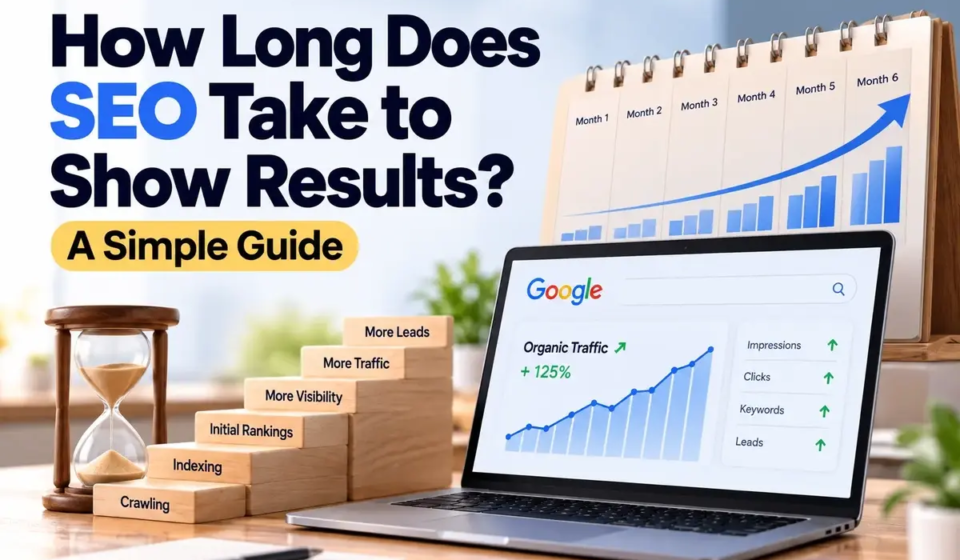
Crawling → Indexing → Initial rankings → More visibility → More clicks → More enquiries

The speed of that process depends on the website and the market.

What Happens During the First Few Weeks?

The first stage is often about understanding and fixing the website.

An SEO team may look at:

  • Technical issues
  • Website structure
  • Indexing
  • Page titles
  • Meta descriptions
  • Headings
  • Internal links
  • Existing content
  • Keyword targeting
  • Local SEO information

For a new website, Google may first need to discover and crawl the pages.

Google says that new pages can take anywhere from a day or two to a few weeks to be crawled and indexed, depending on various factors.

That is why expecting strong rankings immediately after launching a website is usually unrealistic.

What Happens After the Website Is Indexed?

Being indexed and ranking well are two different things.

This is important.

Indexed means Google has included the page in its index.

Ranking means where that page appears for a particular search.

Your page can be indexed and still appear very low in the results.

Google specifically recommends checking whether a page is indexed before assuming it has a ranking problem.

For example, you can search:

site:yourdomain.com

This can help you see whether Google has indexed pages from your website. Google recommends this as a basic check.

Why Do Some Websites Show Results Faster?

Several factors can affect the speed of SEO progress.

1. Website Age and History

A completely new website has little search history.

An established website may already have indexed pages, backlinks, brand searches, content and other signals.

That does not mean an old website will automatically rank better, but the starting point can be different.

2. Competition

Ranking for a highly competitive search is different from ranking for a very specific search.

For example:

“digital marketing agency”

is much broader than:

“Google Ads agency for dental clinics in Noida.”

The second search may have a more specific audience and a different competitive environment.

3. Website Quality

A technically weak website can create SEO problems.

Issues with crawling, indexing, page structure, mobile usability or content can make optimisation harder.

Google’s developer guidance recommends making a website secure, fast, accessible and functional across devices.

4. Content Quality

Publishing content is not the same as publishing useful content.

Google recommends people-first content that genuinely helps users rather than content created mainly to manipulate search rankings.

This means your pages should answer real questions and provide useful information.

5. Search Intent

A page can target the right words but still fail to satisfy what users are looking for.

For example, someone searching:

“how to choose a digital marketing agency”

is looking for guidance.

Someone searching:

“digital marketing agency in Gurgaon”

may be much closer to contacting a business.

The content and landing page should match the intent behind the search.

Can SEO Show Results in 30 Days?

It can show early signs of progress, but that does not mean every website will achieve major traffic or lead growth within 30 days.

You may see:

  • Pages being indexed
  • Improvements for some keywords
  • More impressions
  • Better click-through rates
  • More visibility for long-tail searches

These are useful signals.

But strong business results usually require more than a few weeks.

The important question is not:

“Did I reach page one in 30 days?”

It is:

“Is the website moving in the right direction?”

What Should You Measure?

Many businesses look only at keyword rankings.

That is not enough.

SEO progress can be measured through:

Search impressions

Organic clicks

Relevant keywords

Landing-page traffic

Engagement

Enquiries

Phone calls

Form submissions

Qualified leads

Google Search Console can help website owners understand how their pages perform in Google Search.

The ultimate goal is not simply more rankings.

The goal is more relevant visibility and useful business outcomes.

Why SEO Results Can Go Up and Down

SEO is not a straight line.

One month may show strong improvement.

The next month may be slower.

Rankings can change because of:

  • Search-engine updates
  • New competitors
  • Content changes
  • Technical problems
  • Changes in search behaviour
  • Changes to search results

That is normal.

SEO should be viewed as an ongoing process rather than a one-time task.

What If Your Website Has Been Doing SEO for Months but Nothing Is Happening?

This is when you should stop and diagnose the problem.

Ask:

Is the website actually indexed?

Are we targeting the right searches?

Does the content match search intent?

Are important technical problems still present?

Are competitors offering more useful information?

Is the website building relevant authority?

Are we measuring the right results?

If the answer to several of these questions is “no”, simply waiting longer may not solve the problem.

SEO Is Not About Waiting

A common misunderstanding is that SEO means:

“Do some work and wait six months.”

That is not a good way to think about it.

A strong SEO process should continuously:

Research → Optimise → Publish → Measure → Improve

Each stage should give you information that helps with the next stage.

Final Thoughts

So, how long does SEO take?

There is no fixed answer.

A website may show early signs of progress within weeks, while meaningful growth can take several months or longer depending on competition, website condition, content, authority and the work being implemented.

The best way to judge SEO is not by one promise like:

“You will rank in 90 days.”

Instead, look for steady progress in visibility, relevant traffic and business actions.

Good SEO is not about chasing rankings.

It is about helping the right people find the right page at the right time.

Frequently Asked Questions

How long does SEO take to work?
SEO timelines vary. Many businesses see measurable progress over several months, but the exact timeline depends on the website, competition, content and other factors.

Can SEO work in one month?
You may see early changes in indexing, impressions or rankings, but strong organic growth usually takes longer.

Why is my SEO not showing results?
Possible reasons include technical issues, weak content, wrong search intent, high competition, poor website structure or a lack of relevant authority.

Does a new website take longer to rank?
Often, yes. A new site first needs to be discovered, crawled and indexed, and then its pages need to compete with existing results.

Can anyone guarantee SEO results?
Specific rankings or guaranteed business outcomes should be treated carefully. Google states that there are no secrets that automatically make a site rank first.